
Write clearer image prompts
Plan a mug photograph with space for a headline, then diagnose framing, light and background separately.
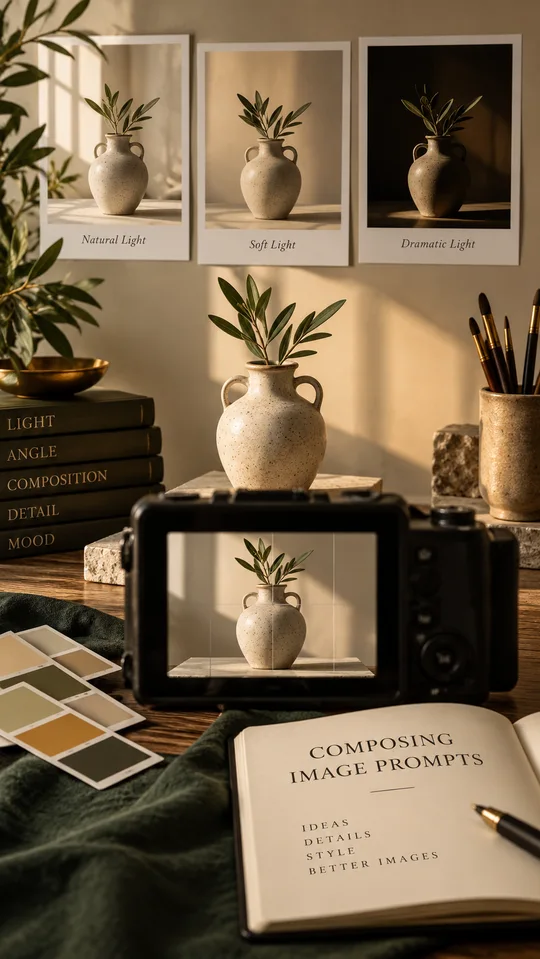
Start an image brief with what must be visible and where it must sit. A specific scene is easier to review than a string of praise such as “stunning, cinematic, masterpiece.” The important question is whether the image fits the job you have for it.
Our worked exercise is a vertical cover for a beginner guide about ceramic mugs. It needs a recognisable mug and quiet space for a short headline. The scene descriptions below are planning examples; they are not comparisons of real generated outputs.
Decide the layout before the decoration
Use a 9:16 canvas if the destination needs a vertical cover. Choose the aspect-ratio setting in your image tool when it is available; writing “vertical” alone does not reliably set the file dimensions.
Place a blue mug in the lower-right half. Keep its full handle visible. Reserve the upper-left area for a headline that you will add in an editor. A plain wall behind the mug will make that text easier to read than shelves full of crockery.
This is a layout choice, not a universal rule. If your website crops cards to a different ratio, plan a separate export and inspect that crop before upload.
Try this scene brief
Create a vertical editorial-style photograph of one handmade blue ceramic mug on a pale wooden kitchen table. Show the entire mug and its handle, positioned in the lower-right half of the frame. View it from slightly above table height so the rim is visible. Use soft window light from the left, with a gentle shadow falling right. Keep the upper-left area as a simple warm off-white wall for a headline added later. No text, logo, steam, other cups or decorative objects.
The exclusions have a purpose here. Steam can obscure the rim; extra cups compete with the subject; generated lettering may not match the headline. Avoid adding a long unrelated exclusion list that makes the brief difficult to maintain.
Compare three possible problems
Example A: the mug fills almost the whole frame. The shape is clear, but there is no room for the headline. Revise the composition: “Make the mug occupy roughly the lower-right third and retain a broad empty wall area above it.” Do not change the lighting at the same time.
Example B: the mug is correctly placed, but a row of hanging plants fills the upper-left corner. Keep the composition and make the background instruction more explicit: “The wall must be uninterrupted, with no plants, shelves or patterns.”
Example C: the mug is against the correct wall, but the handle disappears into a dark shadow. Keep the scene and request a little fill on the shadow side. You are fixing visibility, not asking for a completely different mood.
These diagnoses describe what to look for. Actual results depend on the tool and settings; inspect your own output before deciding which instruction needs work.
Keep one small comparison record
- Version 1: original brief; record the aspect ratio, tool and available settings.
- Version 2: change only the mug size or placement if the layout fails.
- Version 3: change only the background if it competes with the headline.
- Selection note: state why the chosen version works at the final display size.
If your tool supports a seed or reference image, record it, but do not treat it as a guarantee of identical results. A different tool or version may interpret it differently.
Inspect the exported cover
Look at the rim, handle connection, shadow direction and table edge at full resolution. Then open the image as a small phone thumbnail. The mug should still be recognisable, and the headline should not cover the object you are teaching people to see.
For a real product, compare the shape and colour with a real photograph. This exercise is an imagined editorial scene, not evidence of how a particular mug looks. Keep that distinction clear wherever the image is published.
Put the idea into practice.
Find a starting point in the prompt library and adapt it to your task.
Explore prompts →