
Red Double-Exposure Portrait: Image and Reel Guide
Create a red double-exposure portrait with a shawl, a larger silhouette and editable typography for a slow portrait Reel.
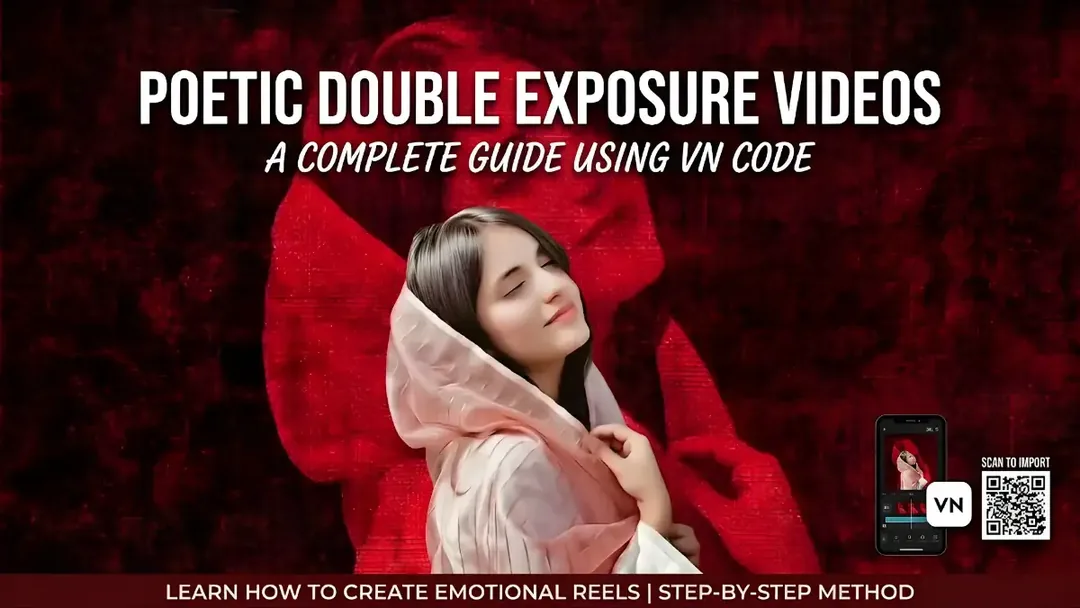
Illustrative cover; not a verified result from this prompt.
Read the full prompt
To generate an image or video base similar to the style you provided, you can use the following detailed prompt with an image generation AI (like Midjourney, DALL-E, etc.): The Prompt: "A stunning, realistic medium close-up portrait photograph of a young woman of South Asian descent, with her eyes closed and a tranquil, contemplative smile on her face. She is wearing a textured, light pink-peach shawl modestly wrapped around her head and shoulders, with her hand gently resting near her neck, holding the fabric. The composition features a striking double-exposure and artistic overlay effect. Behind and overlaid onto the main subject is a larger, ghostly, deeply saturated monochromatic dark red silhouette outline of the same woman, integrated into a rich, heavily textured dark red fabric background. The overall mood is melancholic, poetic, and emotional. The lighting is soft and directional, highlighting the main subject. At the top center of the image, the text 'JURM SIRF' is overlaid in clean white, followed below by 'اتنا' in a smaller size, also in white."
Set the two portrait sizes
This composition combines a smaller natural-colour portrait with a larger red silhouette behind it. Start with one clear authorized reference photo. Keep the smaller face unobstructed and place the larger silhouette slightly above it, so viewers can distinguish the layers.
Separate lettering from the image
The prompt includes headline text. If the lettering is distorted, create the portrait without text and add your own words in an editor. Check any Urdu lettering with someone who reads the script. A still image with a slow push-in is enough for a short Reel; you do not need to animate the face.
Balance the final frame
Reduce the rear silhouette's contrast if it competes with the main face. Test the headline at phone size. No VN code or downloadable template is supplied; assemble the layers manually.