
Brush-Stroke Portrait Window: A Minimal Black-Canvas Edit
Create a portrait visible inside one brush-stroke shape with clean masking and room for a short caption.
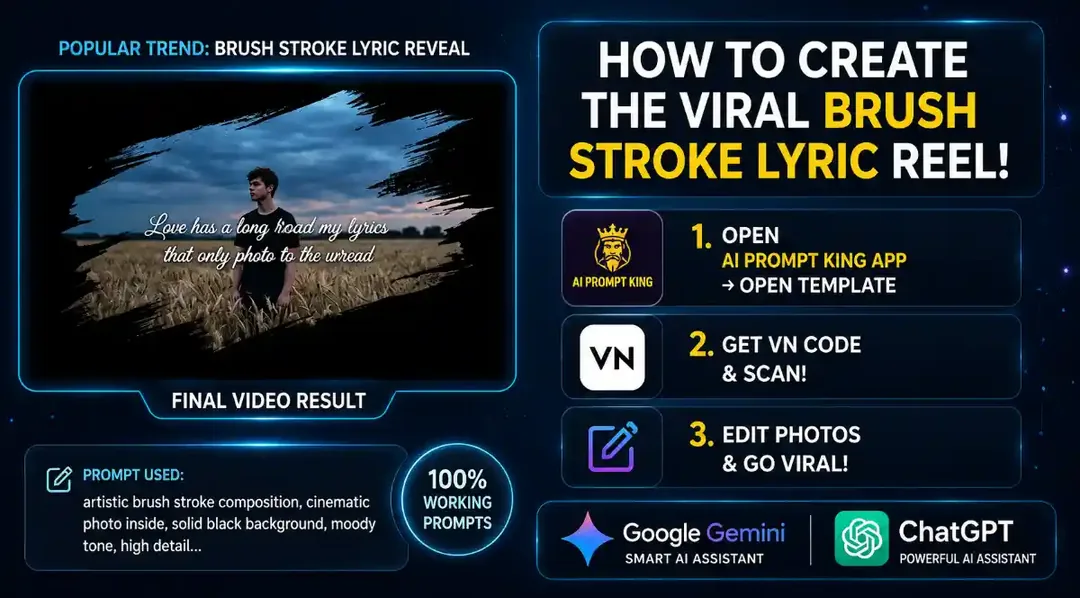
Illustrative cover; not a verified result from this prompt.
Read the full prompt
"A vertical 9:16 aesthetic minimalist image on a pure solid black background. In the center, there is a thick, realistic diagonal artistic paint brush stroke. Inside this paint stroke, a beautiful cinematic photo of a lone young man standing in a wheat field under a moody evening sky is visible. The rest of the canvas remains completely black. Moody, emotional, high definition, Instagram aesthetic style."
Choose a suitable photo crop
Use a photo with the person separated clearly from the background. The diagonal brush shape will reveal only part of it, so decide whether the focus should be a face, a full figure or the surrounding field. Avoid placing the face at the narrow end of the stroke.
Use a mask for predictable edges
Place the photo beneath a brush-shaped mask on a black canvas. Adjust the photo inside the shape until the important detail remains visible. If generating the whole composition produces ragged anatomy, make the portrait first and apply the mask in an editor.
Keep the finish simple
Leave most of the canvas black. Add a short caption outside the stroke only if needed, using your own or cleared words. For video, reveal the mask gradually rather than distorting the photo. Check the final crop at phone size.