
Two-Portrait Name Poster: Type and Brush-Edge Layout
Arrange a large portrait, a smaller supporting crop and an editable name treatment on a clean poster canvas.
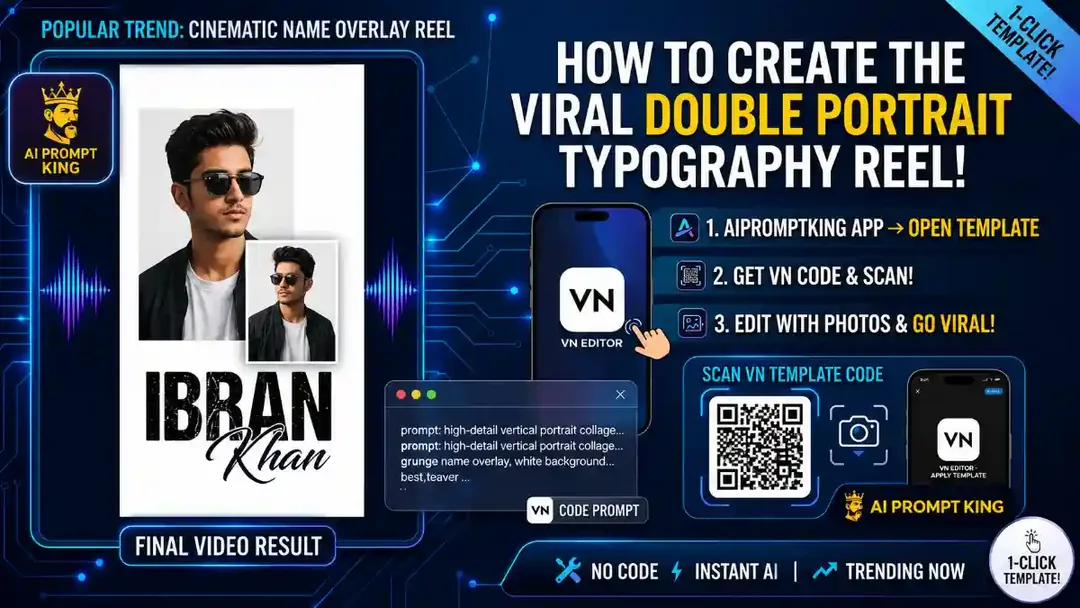
Illustrative cover; not a verified result from this prompt.
Read the full prompt
"A 9:16 vertical cinematic portrait collage on a solid white background. It features a large, highly detailed close-up of a young man wearing sunglasses in the top right. In the middle-left foreground, there is a smaller waist-up portrait of the same man in a similar pose. Below them, large bold grunge-textured typography displays a name, with an elegant white cursive signature overlapping the bold text. The bottom edge blends into the white background with a rough, artistic paint brush-stroke fade effect. Professional studio lighting, high contrast, ultra-HD."
Build the portrait hierarchy
Place the large close-up in the upper area and the smaller waist-up portrait lower to one side. Use the same authorized subject and consistent lighting. Keep the supporting portrait smaller enough to feel intentional rather than like an accidental duplicate.
Make the name editable
Add your chosen name in an editor after the images are placed. Use a bold typeface for the main word and an optional smaller script accent. A white script on a white background will disappear unless it overlaps a dark area or has a subtle contrasting treatment.
Refine the lower edge
Apply the brush fade to clothing or background rather than through the face. Check sunglasses, ears and the cutout boundary. View the poster at phone size and remove texture from the lettering if it makes the name difficult to read.