
Fictional Social-Profile Reveal: Portrait Video Layout
Build a fictional notification and profile sequence with a portrait canvas, private-data checks and readable text.
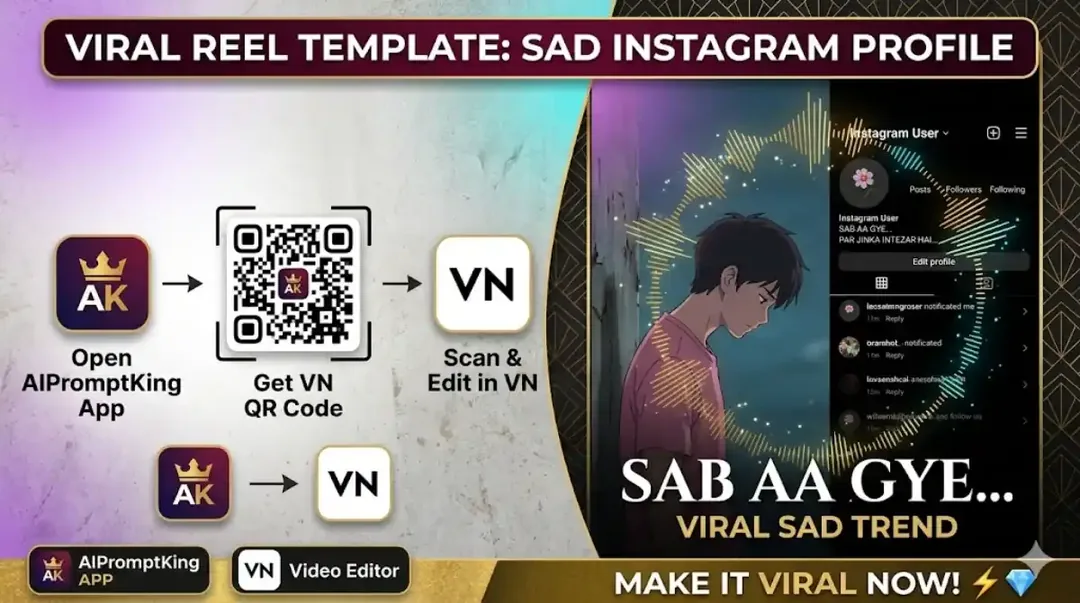
Illustrative cover; not a verified result from this prompt.
Read the full prompt
FICTIONAL SOCIAL-PROFILE REVEAL — LAYERED VIDEO BRIEF Still artwork: Create a portrait 9:16 canvas with an original anime-style character in a pink shirt positioned on the left. The character looks downward with a quiet, reflective expression. Leave clear space on the right for an editable panel. Use soft lighting and a simple dark background. Do not draw private messages or account details into the artwork. Manual interface layer: In an editor, add a fictional social notification panel on the right using invented names and short sample messages. Keep one or two notices readable at a time. End on a simple fictional profile card with a placeholder avatar and the text [YOUR OWN OR CLEARED TEXT]. Motion: Move only the interface layer gently, then cut or dissolve to the final card. This is a composed visual edit, not a working account or evidence of a real message. No platform endorsement is implied.
Make the interface fictional
The layout combines a character illustration with a social-profile panel. Use invented names, messages and an avatar you may use. Do not copy a real private message thread. For a vertical video, choose 9:16; 16:9 is a landscape canvas.
Build the screen in layers
Prepare the character artwork separately, then add the notification panel as editable shapes and text. Keep the panel movement slow enough to read one or two messages. Finish on a plain profile card rather than asking an image tool to draw a long, accurate interface.
Check the story and framing
The closing line should make sense without implying an actual account event. Keep important text inside the canvas margins and avoid hiding the character behind scrolling notices. This is a fictional visual edit, not a working profile or a screenshot offered as evidence.