
Diwali Dupatta Reveal AI Video Prompt for Google Flow
Turn a daylight portrait into a Diwali fireworks reel. Copy the Google Flow prompt for a dupatta wipe and learn how to keep the fabric and lighting consistent.
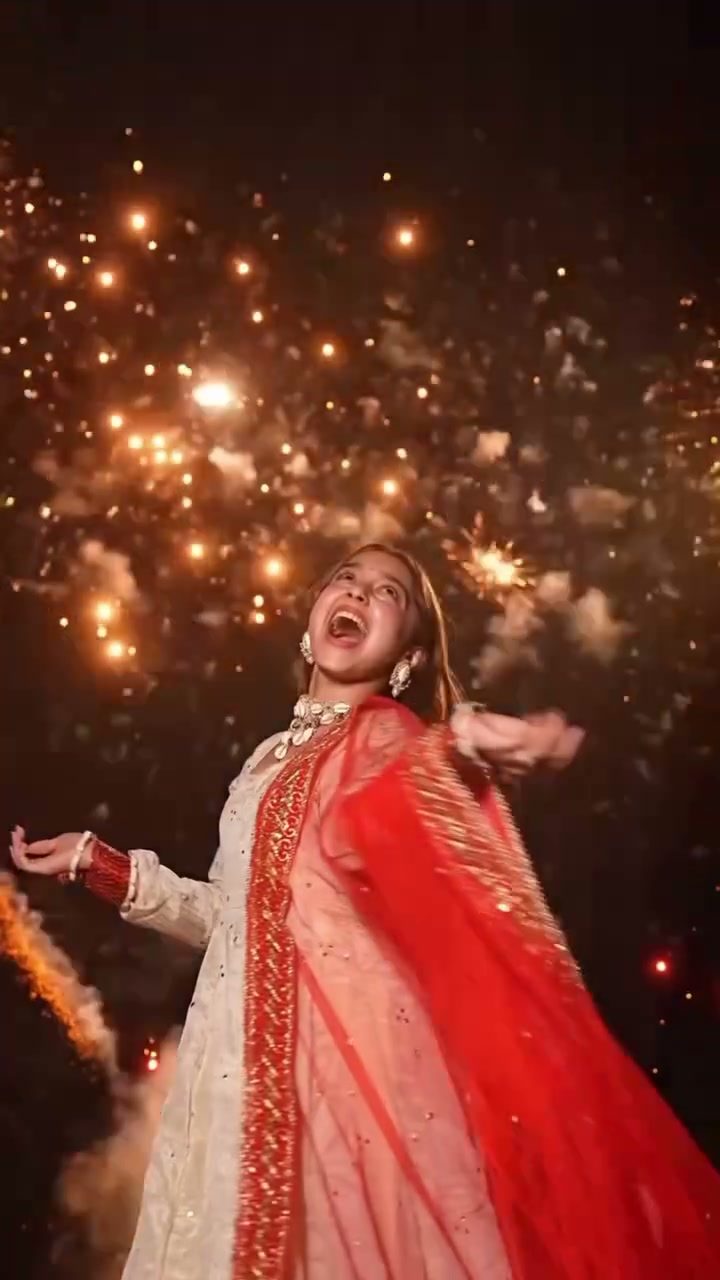
Illustrative cover; not a verified result from this prompt.
Read the full prompt
Create a vertical 9:16 Diwali fashion reel using the attached portrait as the first frame and identity reference. Begin outdoors in daylight with a clear sky. Frame the subject from low waist height and leave room for the arc of her red dupatta. Preserve the person’s facial features, hairstyle and festive outfit. If her dupatta has a different colour, keep the colour from the photo. Let the subject take a half-step toward the camera and sweep the free end of the dupatta across the lens. The cloth follows her wrist with a slight delay. Show its translucent weave, embroidered edge and soft folds until it fills the entire frame. Change the light while the lens is covered. As the same trailing edge clears the lens, reveal a Diwali night sky behind her. Keep the fabric travelling in the same direction throughout the reveal. Continue her turn in one fluid movement. Seen briefly from behind, she looks up as gold and amber fireworks bloom high in the distance. Let the glow catch the edge of her hair and the embroidery. Finish with a brief three-quarter view of her smile as the last sparks fade. Keep the fireworks behind the subject, the face clear and the camera steady. Use natural-speed fabric motion, believable hands and warm light. Output one clean full-frame shot with subtle cloth movement and distant firework sounds. Exclude captions, logos, people in the background and flash transitions.
Set up the daylight frame
Choose a vertical portrait taken in daylight. A photo that shows the face, shoulders and the hand holding the loose end of a dupatta gives the model a clear starting pose. Leave a little open space on the side toward which the cloth will swing. Keep the person and the fabric edges inside the crop.
Generate the reveal
In an image-to-video workflow in Google Flow, attach the portrait as the starting frame, select a vertical video and paste the prompt. An eight-second clip gives the hand time to lift the fabric, cover the lens and reveal the fireworks. Adapt the colour and garment description to the actual photo before generating.
Check the transition
Pause on the last daylight frame. The fabric should cover the whole lens before the sky turns dark, and the same embroidered edge should leave the frame in the direction it entered. If the sky changes too early, emphasise full lens coverage in the prompt. Check the hands where the cloth crosses the camera and the face after the turn. Download your favourite take.