
Anime Chat and Underwater Scene: A Two-Shot Storyboard
Plan a fictional phone-chat opening and dreamlike underwater scene with clear visual continuity and separate shots.
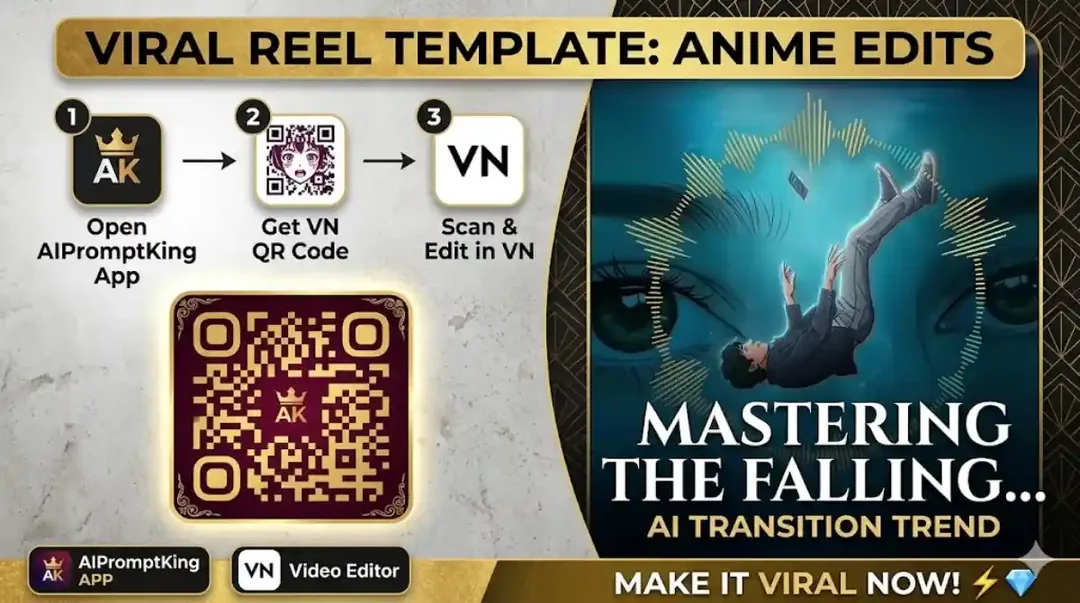
Illustrative cover; not a verified result from this prompt.
Read the full prompt
"Create a 2-part anime style sequence. Part 1: Close-up of anime-style hands holding a glowing smartphone, showing a chat interface with a purple theme against a sunset background. Part 2: A cinematic anime-style scene of a young boy falling backwards into deep blue water, his phone slipping from his hand. In the background, two giant, beautiful green eyes are staring from underwater. The overall vibe is aesthetic, emotional, and dreamy with high-quality 4k resolution." Use the two scene descriptions in a compatible external image or video tool. This website supplies the prompt text; it does not run the generation.
Separate the two scenes
The first shot shows a phone held at sunset; the second is a dreamlike underwater scene. Prepare them separately so the tool does not mix the phone screen with the water background. Use a fictional chat with no real private messages or account names.
Keep a visual connection
Choose one clothing colour or phone case detail that appears in both shots. In the underwater scene, frame the character and loose phone clearly, keeping the giant eyes as a background symbol. A calm floating pose may read more clearly than a complicated falling motion.
Join and review
Use a cut or soft dissolve between the scenes, then inspect the hands, phone and face. The site supplies prompts; it does not open or run Gemini inside this page. Keep the scene visibly fictional and use licensed sound if you publish the sequence.