
Birthday Calendar Poster: Photo Layout and Date Checks
Create a birthday photo poster, then add an accurate calendar, custom age and readable text in an editor.
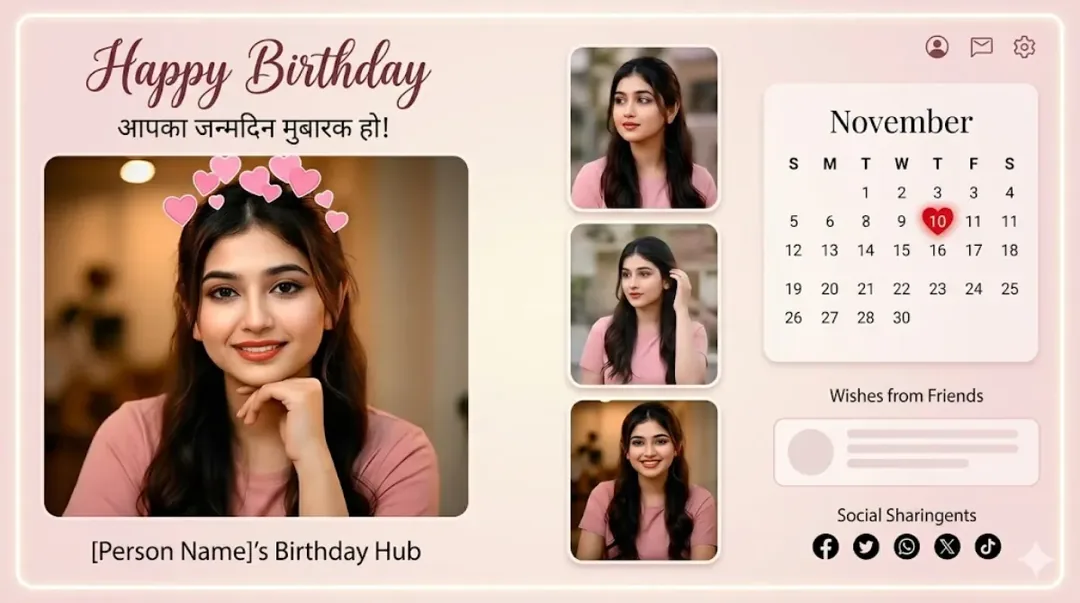
Illustrative cover; not a verified result from this prompt.
Read the full prompt
"Create a beautiful digital 'Happy Birthday' poster. At the top, write 'Happy Birthday' in an elegant cursive font. In the middle, create a photo collage with three frames showing a cute, smiling 3-year-old boy wearing a yellow t-shirt. At the bottom, design a clean calendar grid for the month of 'November'. Highlight the date '10' with a red heart shape. The background of the poster should be a soft, light purple and white gradient."
Replace the sample details
The prompt uses a three-year-old child and a November birthday as examples. Change the age, name, month and date before using it. Use a photo you have permission to edit, and avoid including a child's full identifying details in a public poster.
Build the calendar accurately
Create the portrait collage first, leaving the lower area quiet. Add the calendar as an editable grid afterward. Check the actual year: the weekday positions for November change from year to year. Highlight only the intended birthday, and verify that every date appears once.
Review the finished poster
Check the three faces for consistency, then read the name and greeting at phone size. Leave margins around the calendar so no date is cropped in a social preview. Print a small test if the poster is intended for physical use.