
Blue-Sign Double Exposure: Portrait Editing Prompt
Blend a monochrome portrait with a night street scene while keeping one blue sign as the colour accent.
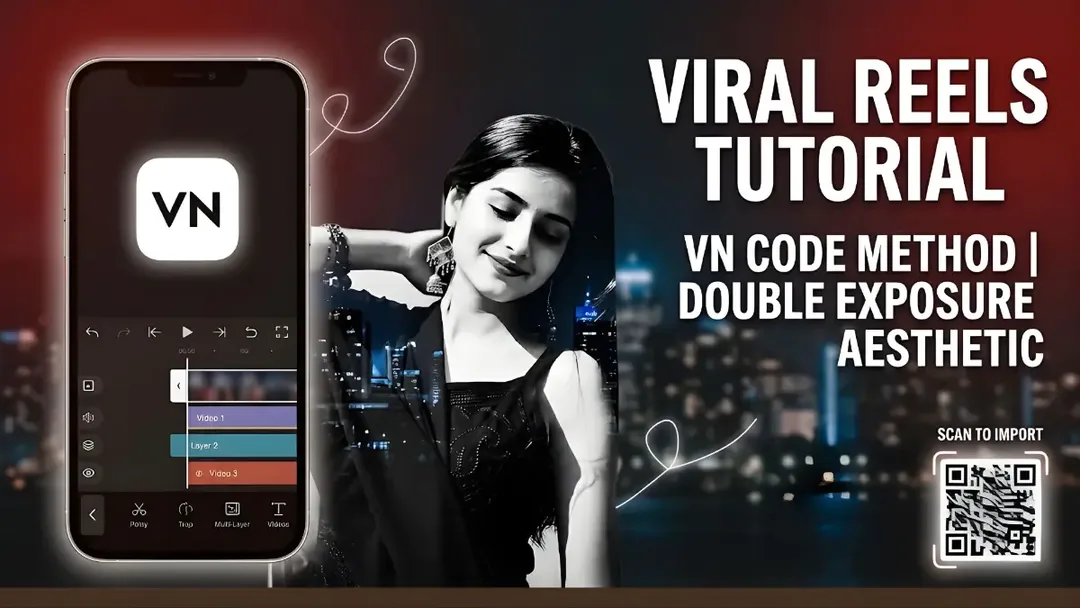
Illustrative cover; not a verified result from this prompt.
Read the full prompt
To generate the base double-exposure image seen in the main section of the video, use this prompt: The Prompt: "A cinematic, moody double-exposure portrait. The primary image is a beautiful young woman with dark hair wearing an elegant black outfit. She has her eyes closed, displaying a gentle, serene smile, with one hand resting softly behind her head. This portrait is seamlessly overlaid and blended onto a secondary background featuring a nighttime urban street scene. The background includes a clear visual of a blue directional street sign pointing upwards and a car's side mirror. The overall visual style is monochromatic black and white, with selective, highly saturated color highlighting only the blue of the street sign. High contrast, atmospheric lighting, deeply nostalgic and romantic mood, high resolution."
Choose one colour accent
The defining detail is a blue street sign inside an otherwise monochrome portrait. Keep the portrait and street scene visually separate at first. Use a photo with a clear face and a street image you own or may edit. Avoid other bright colours that compete with the sign.
Control the blend
Place the street layer behind or over the portrait and adjust its opacity until the face remains readable. Try a softer blend across the shoulders and a clearer sign near the edge. If sign lettering becomes meaningless, remove it or add readable lettering afterward. The prompt describes a still composition; add movement with a restrained zoom.
Finish without a template
No VN QR code is included. Build the portrait, street overlay and motion manually. Inspect the eyes, hand and mirror shape before adding captions or exporting.