
Mechanical Cube to Car: Still Prompt and Transformation Plan
Prepare a mechanical cube and a matching car frame, then build a controlled transformation sequence without a template.
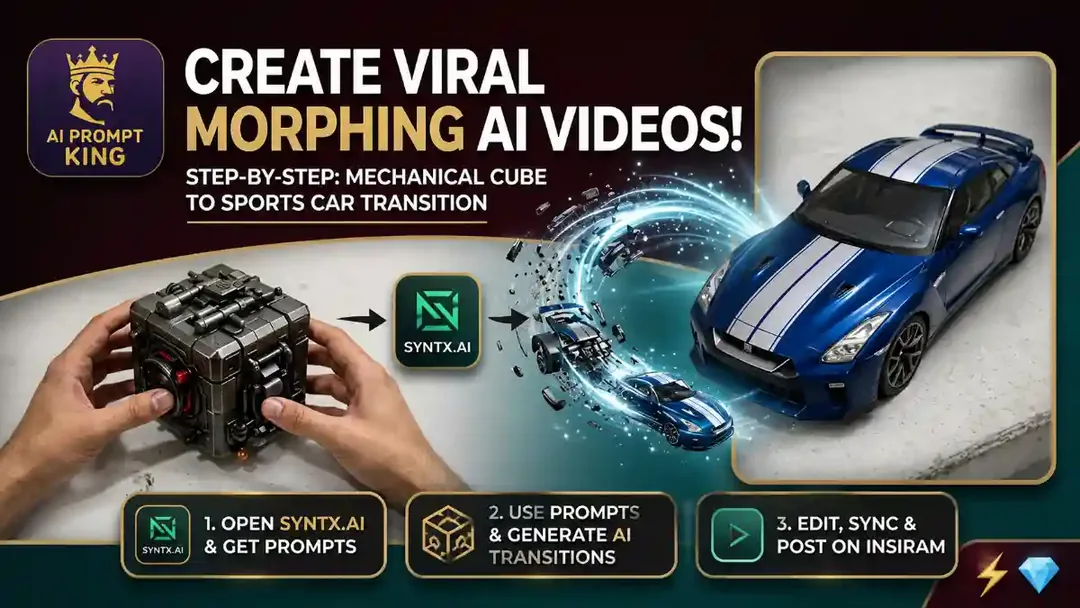
Illustrative cover; not a verified result from this prompt.
Read the full prompt
MECHANICAL CUBE AND CAR TRANSFORMATION BRIEF Still frame: a close-up of a dark matte mechanical cube held in two natural-looking hands above a lightly worn white tabletop. Give the cube angular panel lines and small red accents. Keep a fixed portrait 9:16 composition with enough tabletop below it. Second frame: the same table, lighting and camera, with a small [CAR SHAPE] in [COLOUR] resting where the cube was placed. Keep the vehicle at toy scale. Motion: show the hands placing the cube on the table and moving out of frame. The cube's panels open in a clear sequence, wheels extend, and the body forms the chosen car. End with the complete car resting still. Keep the table, light and camera unchanged. Avoid extra wheels, disappearing parts and hands inside the moving mechanism. Use compatible reference controls if available. Otherwise prepare the two shots separately and assemble the reveal in an editor.
Understand what the prompt supplies
The prompt supplies a cube frame, a matching car frame and a motion brief. Replace [CAR SHAPE] and [COLOUR] before using it. Keep the vehicle at toy scale on the same tabletop, with matching camera height and light in both frames.
Clear the hands from the action
Use a short opening that shows the cube being placed on the table. Keep hands outside the transformation area. Then request one visible sequence: panels open, wheels extend and the body settles into the chosen car shape. If your tool cannot preserve the two endpoints, use separately prepared shots and an edit instead.
Inspect the end state
Count wheels and check that the car rests on the tabletop without changing scale abruptly. A sound effect can support the change, but it should not hide an unfinished or distorted final frame.