
Flower-Overlay Portrait Reel: Layers and Timing
Choose one portrait style, add a restrained flower overlay and keep faces clear in a vertical Reel.
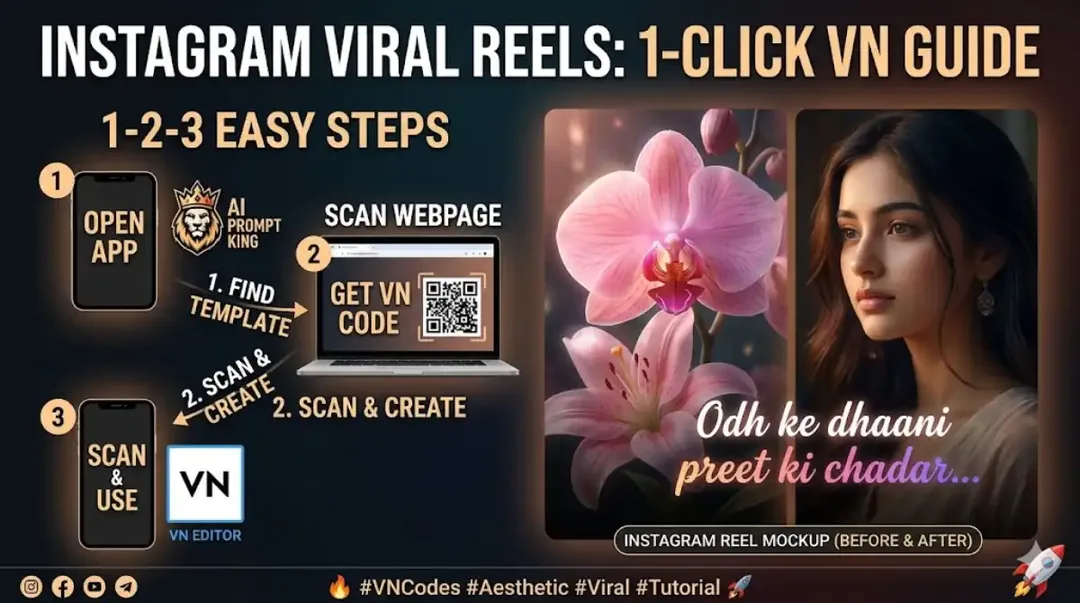
Illustrative cover; not a verified result from this prompt.
Read the full prompt
AI Generation Prompts The detailed prompts below provide a starting point for creating images and video visuals. Adapt them for your chosen platform, such as Midjourney, Leonardo AI or DALL-E 3. Prompts for Portrait Base: (for individual portrait clips) "A nostalgic film-style portrait of a serene young woman with soft brown eyes and long wavy hair, in golden hour lighting, warm color palette, vintage aesthetic, dreamy atmosphere, close-up, high resolution." "An ethereal portrait of a modern woman with green eyes, wearing a whimsical crown of light, surrounded by iridescent bubbles, pastel color palette, cinematic lighting, dramatic expression, 8k resolution, detailed." "A moody, dark portrait of a woman with intense gaze, mysterious background, deep blue and red lighting, low key, photorealistic, cinematic shot, intimate."
Choose one portrait direction
The prompt offers warm, pastel and moody options. Pick one for the first edit. Mixing all three in a short sequence can make skin tones and lighting feel unrelated. If the same person appears in several frames, use an authorized reference and keep the clothing consistent.
Add flowers separately
Use flower artwork or footage you may publish. Position the strongest bloom near a corner, leaving the eyes and mouth clear. Lower its opacity where it crosses the subject. For example, a warm portrait can use a cream flower near the lower edge and a small petal drift across the background.
Check at phone size
Hold each portrait long enough to recognize it before changing the overlay. Watch for flowers hiding the face during motion. Match portrait colours first, then add music and any short caption.