
Portrait Cutout and Heart Background: A Simple Reel Layout
Prepare a portrait cutout and a separate heart background, then build a clear two-layer composition.
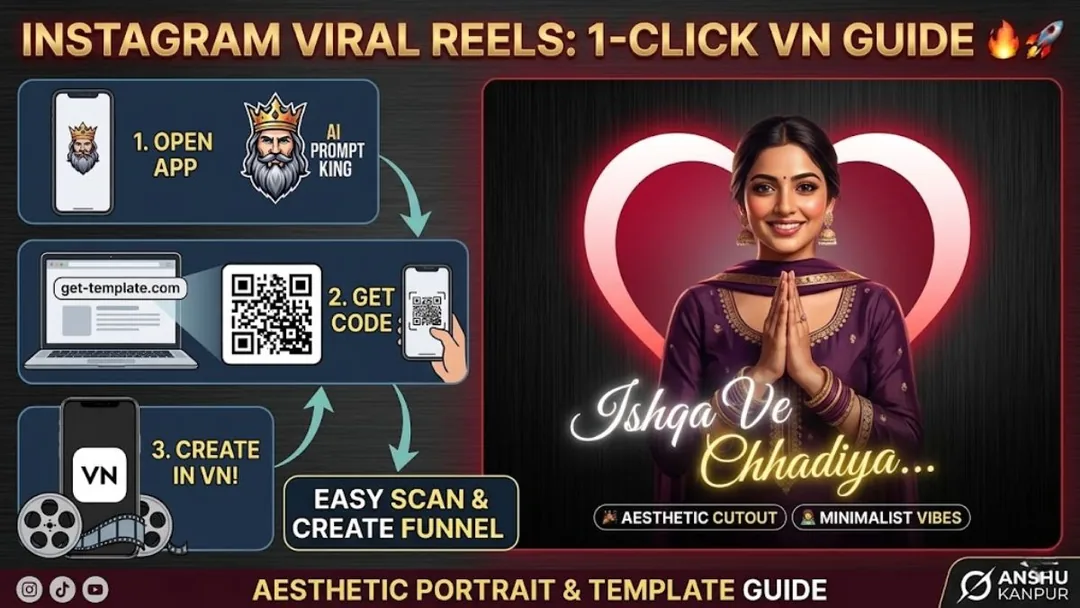
Illustrative cover; not a verified result from this prompt.
Read the full prompt
AI Generation Prompts Use the following prompt to create the main portrait with a background that is easy to remove: Prompt (For Main Cutout Image): "A beautiful cinematic portrait of a smiling young Indian girl wearing a traditional purple salwar kameez and dupatta. She is looking slightly downwards with a shy, aesthetic smile. Solid plain light grey background for easy cutout, soft natural lighting, highly detailed face, photorealistic, 8k resolution, 9:16 aspect ratio." Prompt (For Heart Background): "A simple, soft glowing beige heart icon perfectly centered on a dark maroon background, minimalist aesthetic, vintage film grain, 8k resolution, 9:16 aspect ratio."
Make two usable assets
Use the portrait prompt for the person and the heart prompt for the background. A grey backdrop helps separate hair and dupatta from the surroundings. Keep the heart simple; fine glowing patterns can compete with the subject at phone size.
Place the portrait first
Set up a portrait canvas, add the heart background and position the cutout slightly below centre. Leave enough space around the head for the heart shape to remain recognizable. If the purple outfit disappears against maroon, brighten the backdrop or add a subtle lighter area behind the shoulders.
Add restrained motion
A small background zoom creates depth. Keep the portrait stable while checking the edge around hair and fabric. Use your own caption and music you may publish. Preview the entire animation to make sure the heart never crosses the face.