
Red-Outfit Portrait Reveal: Image Prompt and Edit Plan
Create a clean red-outfit portrait and use it as the reveal frame in a manually edited vertical video.
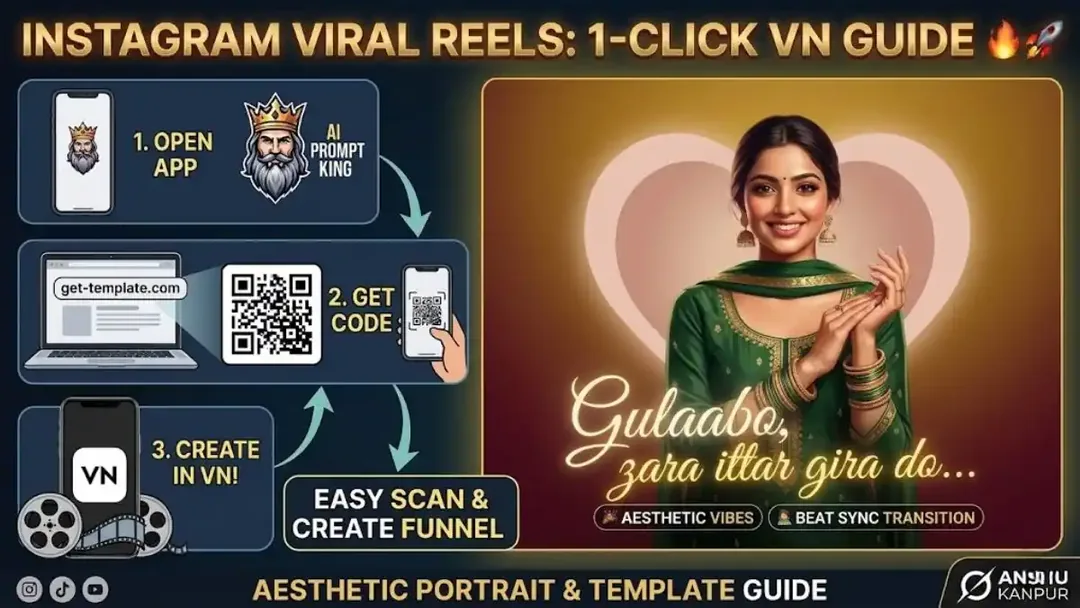
Illustrative cover; not a verified result from this prompt.
Read the full prompt
AI Generation Prompts The reveal section needs a clean, aesthetic portrait. The prompt below excludes text, logos and clutter to keep the background clear. Prompt (For Beat Drop Image): "A cinematic aesthetic portrait of a beautiful young Indian girl wearing a vibrant red traditional salwar kameez. She is standing gracefully with a soft smile. Warm indoor lighting, lofi aesthetic, vintage film grain. Clean background without any text, logos, or watermarks, highly detailed, photorealistic, 8k resolution, 9:16 aspect ratio."
Prepare the reveal image
The prompt describes a single portrait in a red traditional outfit. Keep the background uncluttered and the face well lit. If you use a real person's photo, choose an authorized reference and inspect the result before treating it as their likeness.
Match the before-and-after framing
Choose an opening clip with a similar head position to the portrait. Put the clips next to each other in an editor and move the cut until the subject stays in roughly the same place. A simple cut can look smoother than an elaborate transition when the framing matches.
Review the timing
Hold the reveal long enough to see the outfit and expression. Add captions separately if needed. This page does not supply a one-click template; align the cut with your selected music and check the saved video.