
Eyes-and-Cutout Portrait Collage: Two-Layer Prompt
Create a large eyes background and a separate full-body cutout, then combine them without hiding the face.
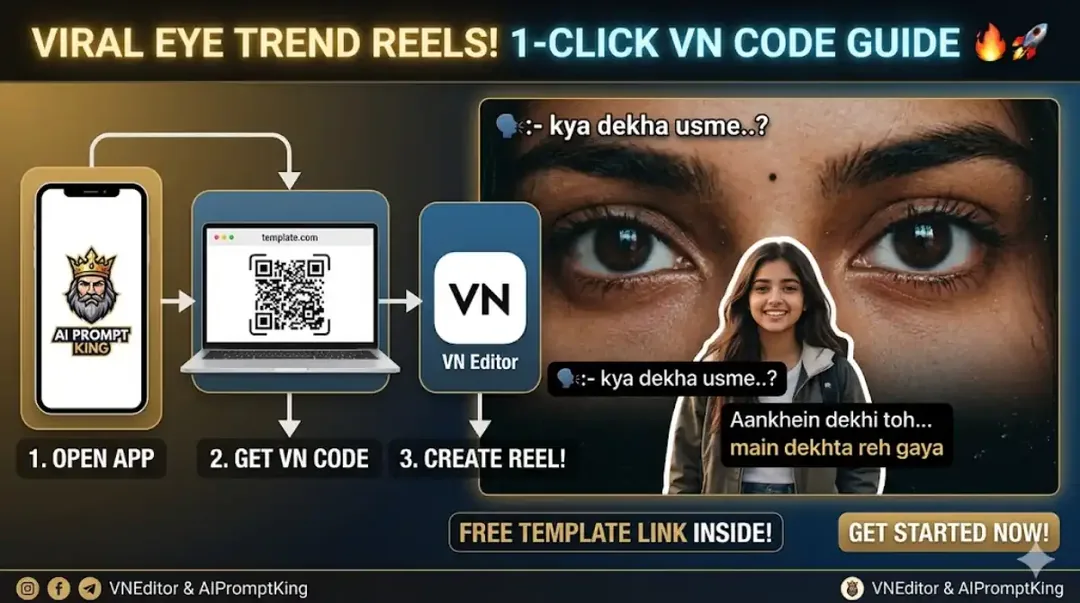
Illustrative cover; not a verified result from this prompt.
Read the full prompt
AI Generation Prompts This Reel combines two images: a close-up of eyes for the background and a separate foreground cutout. Use the following prompts to create them: Prompt 1 (For Background Eyes): "A highly detailed, cinematic extreme close-up of a beautiful Indian girl's eyes, expressive and romantic look, warm vintage lighting, slight film grain aesthetic, 8k resolution, photorealistic, 9:16 aspect ratio." Prompt 2 (For Front Cutout Image): "A full-body aesthetic portrait of a stylish young girl standing and smiling casually, wearing a black jacket, solid plain background for easy cutout, highly detailed, photorealistic, 8k resolution."
Prepare the layers separately
Use the first prompt for the close-up eyes and the second for the standing portrait. Keep the lighting direction similar in both. The foreground photo needs space around hair, hands and shoes for a clean cutout; a plain background helps with selection.
Arrange the composition
Place the eyes across the upper half of a portrait canvas. Put the standing subject lower in the frame, slightly off-centre, so both background eyes remain visible. For a calmer result, darken or soften the eye layer instead of shrinking the foreground person too much.
Inspect the edges
Look around hair and jacket edges for bright cutout halos. Match the warmth of both layers and add a small shadow only if needed. For a Reel, animate the background slowly while keeping the foreground stable so the composition remains readable.