
Colourful Doodle Portrait: Stickers and Caption Placement
Turn a portrait into a playful doodle layout with a small colour palette, editable captions and clear face spacing.
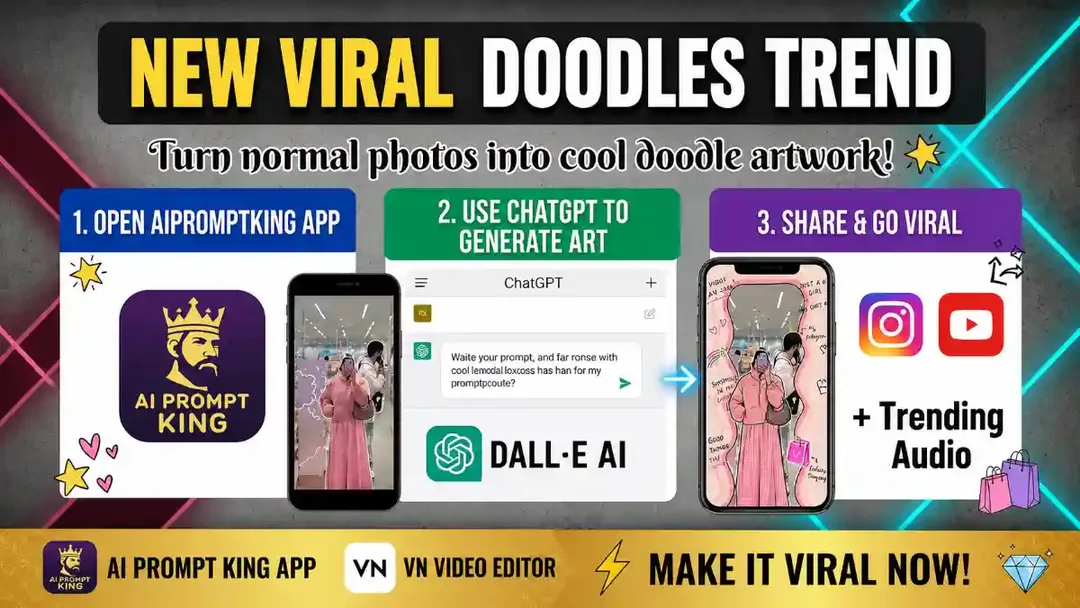
Illustrative cover; not a verified result from this prompt.
Read the full prompt
"Transform this photo into a creative and viral doodle-style artwork. Keep the original person in the center and surround them with vibrant, colorful hand-drawn doodles, stickers, and aesthetic text quotes. Add elements like hearts, stars, shopping bags, and speech bubbles with cute phrases like 'Good Vibes Only', 'Shopping is my Cardio', or 'Making Memories'. The style should be playful, modern, and high-quality, with a soft pastel color palette that makes the photo look like an artistic scrapbook page."
Keep the portrait as the main subject
Start with a photo you may edit and choose two or three accent colours. Place doodles around the silhouette, leaving the eyes, mouth and hands unobstructed. A few larger marks usually read more clearly on a phone than dozens of tiny stickers.
Choose meaningful decorations
Use objects that fit the subject: travel arrows for a trip photo, small stars for a celebration or shopping doodles for an outfit post. Add your own short phrase as an editable text layer. This avoids distorted lettering and makes later corrections straightforward.
Check spacing before exporting
View the design as a small thumbnail. If the subject disappears into the decoration, remove one cluster rather than adding more contrast everywhere. Inspect cutout edges around hair and keep stickers inside the final crop. A still composition works without extra animated effects.