
Then-and-Now Portrait: Childhood Photo Composition
Combine a childhood reference and current portrait in a clearly labeled imagined scene, with dates and likeness checks.
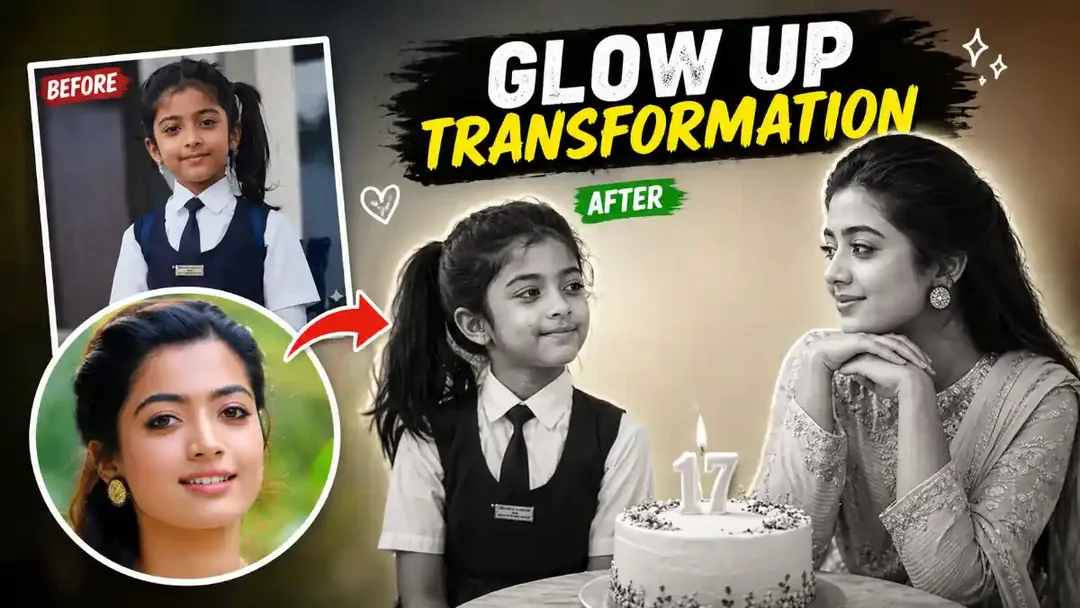
Illustrative cover; not a verified result from this prompt.
Read the full prompt
THEN-AND-NOW PORTRAIT COMPOSITION Use my authorized childhood photo as Reference A and my current photo as Reference B. Create a 4:5 portrait composition showing the childhood version on the left, smiling toward the current version on the right. The current version rests their chin gently on their hands and looks back with a calm expression. Keep the two ages distinct and use each photo for its corresponding face. Use a plain studio background, soft warm light and a quiet photographic style. Leave space above each person for the actual years, which I can add afterward. Keep hands natural and do not add other people. This is an imagined scene assembled from two different dates, not a photograph of a real meeting.
Label the two references
Use one childhood photo and one current photo of the same person. Name them clearly before attaching them so the tool knows which age belongs on each side. Only use photos you may edit; avoid uploading identifying details that are unnecessary for the composition.
Keep the meeting simple
Place the childhood version on the left and the current version on the right, looking toward each other. Use a neutral studio background and similar light on both faces. Start without date text if lettering causes problems, then add the actual years in an editor.
Check what changed
Compare each face with its corresponding reference. Hands and apparent ages should remain distinct. If the tool blends both identities into one age, separate the portrait creation from the final collage. Present this as an imagined composition, not a real photograph of a meeting.