

THE PROMPT LIBRARY
Discover your next idea.
Find a starting point for your next image, video or piece of writing. Read the notes, change the details and try it in your preferred tool.
Discover prompts
View all →


Learn how to get better results
View all guides →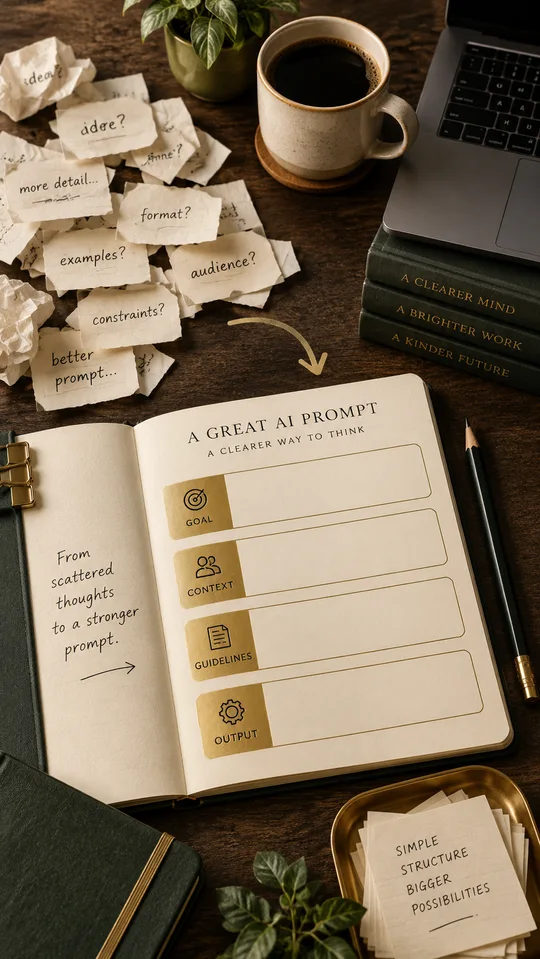
How to write a prompt that actually works
Build a usable brief from six facts, then check a pottery-workshop announcement line by line.
4 min read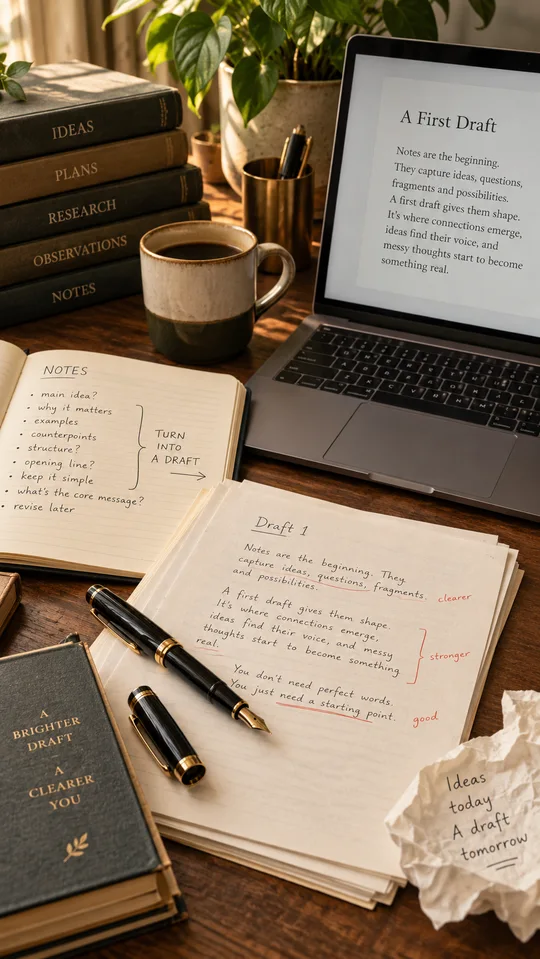
ChatGPT prompts for a better first draft
Follow a complete example from messy event notes to a clear opening, outline and factual edit.
4 min read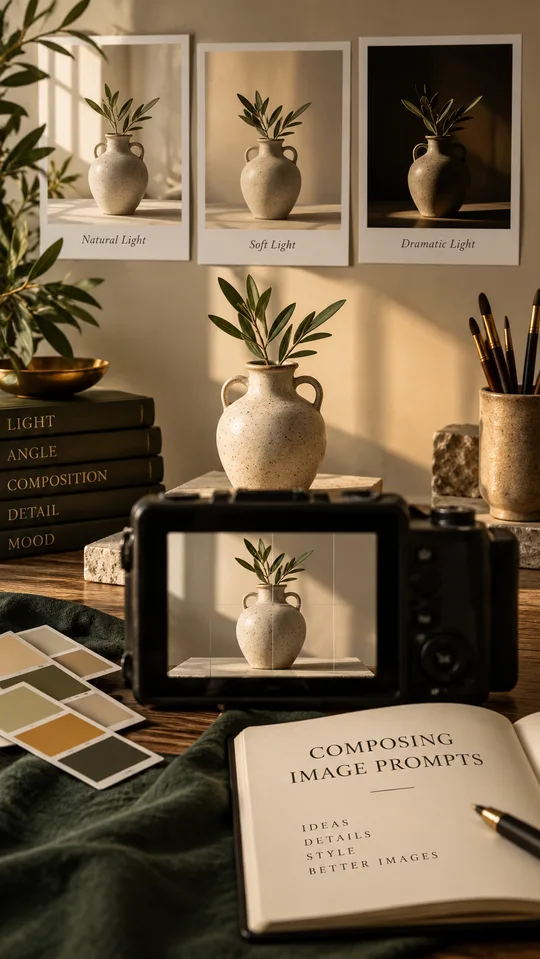
Write clearer image prompts
Plan a mug photograph with space for a headline, then diagnose framing, light and background separately.
4 min read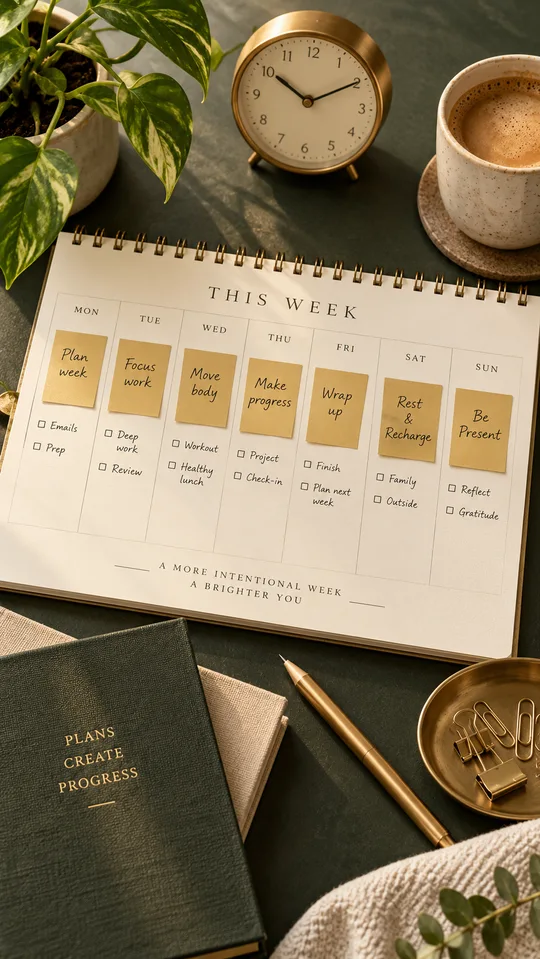
Turn a task list into a realistic weekly plan
Work through a ten-hour example with deadlines, dependencies and a visible buffer for interruptions.
4 min readA starting point you can make your own
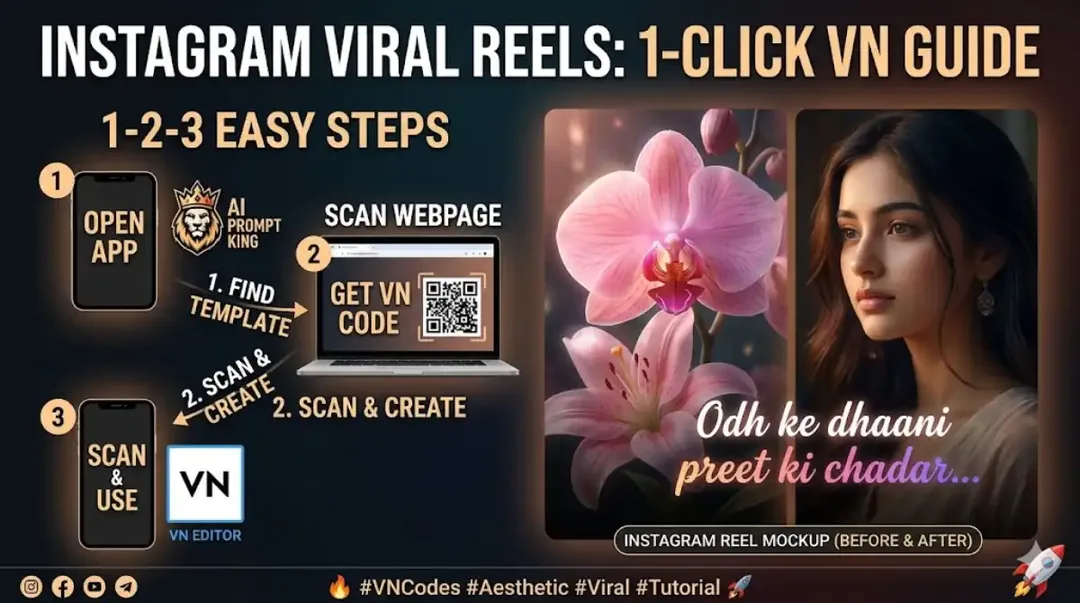
1. Choose the task
Open a prompt for the image, video, message or plan you want to make. Check whether it is a generation prompt, a caption or a manual editing brief.
2. Bring your details
Replace example names and bracketed fields. Use your own source notes or permitted reference images. Read the practical instructions before you start.
3. Review the result
Use the checks on the page to spot missing facts, visual errors or timing problems. Examples explain a method; they do not promise an identical output.